
Key Takeaways
- Bluehost offers beginner-friendly WordPress hosting with simple setup tools, ideal for first-time site owners.
- Hostinger focuses on affordability and performance balance, catering to small businesses and freelancers.
- Sunny HQ delivers concierge-level, fully managed WordPress hosting – handling performance, security, updates, and support.
- While Bluehost and Hostinger provide self-managed hosting with automation tools, Sunny HQ adds a human layer of proactive management and expertise.
- Your best fit depends on your goals: fast, cheap, or worry-free – and how much control or support you want.
Choosing a WordPress host today isn’t just about speed and uptime – it’s about the kind of partnership you want behind your website. Bluehost, Hostinger, and Sunny HQ all promise managed WordPress hosting, but they cater to very different needs. Some prioritize price, others automation, and one focuses entirely on peace of mind through hands-on care.
In this guide, we’ll look closely at each provider, what they offer, who they serve best, and how they stack up when it comes to performance, management, and long-term value.
1. Overview: Three Paths to WordPress Hosting
The term “managed WordPress hosting” is used broadly across the hosting industry, but not every provider delivers the same level of service. Some focus primarily on server optimization, while others provide hands-on site management, performance tuning, and security monitoring.
Definitions
- Managed Hosting: Hosting that includes automatic updates, backups, and performance or security optimizations.
- Optimized Hosting: Hosting infrastructure tuned for WordPress but requiring the user to manage their site.
- Concierge Hosting: A premium service model where a technical team manages every detail for the customer – from security to plugin support.
Bluehost and Hostinger fall into the “managed” and “optimized” categories, giving users a streamlined environment but still expecting them to handle the actual website maintenance. Sunny HQ, on the other hand, goes beyond optimization to offer true concierge WordPress management – a human-led model that includes maintenance, troubleshooting, and personal support.
Also read: WP Engine Alternative: All-in-One, White-Glove WordPress Management
2. Bluehost – Simplicity for Beginners
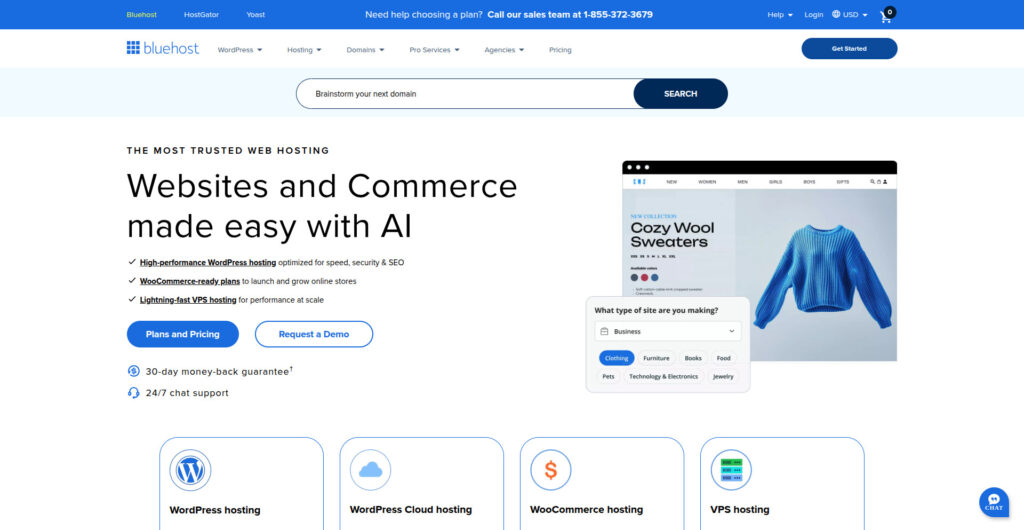
Bluehost remains one of the most widely recognized names in the WordPress hosting space – and for good reason. As one of only three hosting companies officially recommended by WordPress.org, Bluehost built its reputation on approachability and simplicity. For users who want to launch a website quickly with minimal friction, it’s one of the easiest ways to get started.
Its value lies in a guided, all-in-one experience: an integrated website builder, automatic WordPress installation, and a dashboard that abstracts away most of the complexity of running a site. This makes it particularly attractive to first-time website owners, bloggers, and small businesses launching their digital presence for the first time.
Key Features
- One-click WordPress installation and intuitive onboarding wizard
- Automatic WordPress updates and backups with built-in management tools
- Basic performance caching and Cloudflare CDN integration
- 24/7 customer support via phone and live chat
- Optional add-ons for email, SEO tools, and site builders
Where Bluehost shines is in its simplicity. Within minutes of signing up, you can have a functional WordPress site online. For users who are not technically inclined, this simplicity is empowering. However, it’s important to understand that Bluehost’s “managed WordPress” label refers primarily to automation – not human oversight. Once your site is online, you are responsible for plugin management, performance optimization, and troubleshooting.
In terms of performance, Bluehost performs adequately for low- to medium-traffic sites. However, resource limitations on shared servers and minimal customization options can lead to slower load times once traffic begins to scale. As websites grow, most users eventually need to either upgrade to higher-tier VPS plans or migrate to a more performance-focused provider.
Pros
- Exceptionally easy for beginners
- Direct integration with WordPress.org
- Affordable entry point for new sites
- Reliable uptime for low-traffic projects
Cons
- Performance dips under heavy load
- Limited control over optimization settings
- Support quality can vary depending on issue complexity
- No proactive management or human-led maintenance
In short, Bluehost makes WordPress hosting accessible but not effortless. It’s a great place to learn the ropes of site ownership – but once your business depends on uptime, you’ll likely want something more robust and proactive.
Best For
First-time site owners, bloggers, and freelancers who want a plug-and-play hosting experience without technical complexity. Bluehost offers simplicity and support – but not true management.
Also read: From Downtime to Prime Time: How WooCommerce Maintenance Services Keep You Online
3. Hostinger – Affordable Speed for Small Businesses
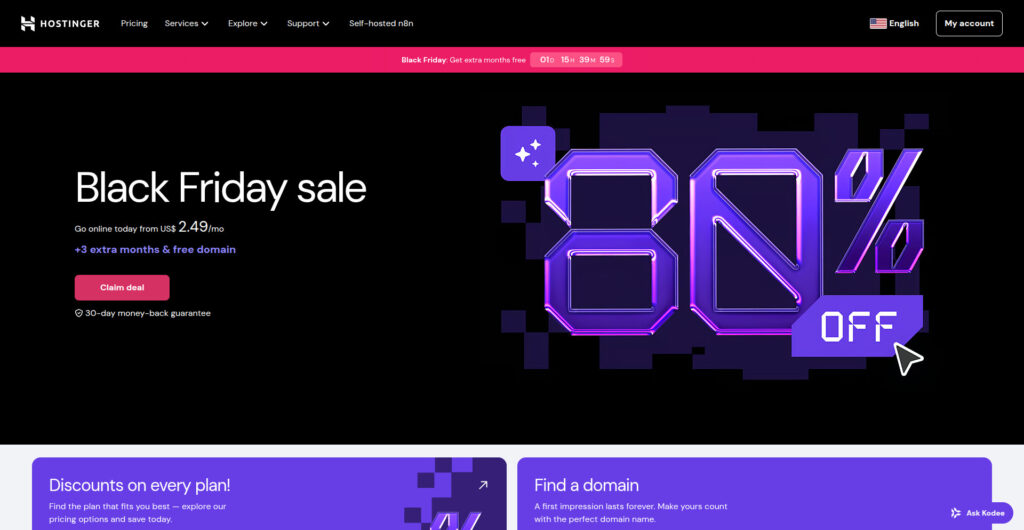
Hostinger has become one of the most popular hosting providers globally, largely because it combines affordability with genuinely strong performance. While many budget hosts sacrifice quality for price, Hostinger manages to offer fast load times and reliable uptime thanks to its LiteSpeed-based infrastructure.
Its proprietary control panel, hPanel, offers an experience similar to cPanel but is simplified for non-technical users. Combined with one-click installs, automatic updates, and preconfigured caching, Hostinger’s managed WordPress plans make it possible to build and maintain a fast site without touching a line of code.
Key Features
- LiteSpeed servers with integrated caching for improved page load speed
- Free SSL, CDN, and automatic daily or weekly backups
- AI website builder and guided setup for small business users
- Staging environment for safe testing before going live
- 99.9% uptime guarantee and global data centers
Performance testing across multiple independent benchmarks (e.g., Bitcatcha and WPBeginner, 2024) consistently ranks Hostinger among the fastest in its price category. This makes it a compelling choice for small businesses and freelancers who want quick, reliable sites on a limited budget.
That said, Hostinger’s “management” remains automated. While the platform keeps your WordPress installation updated and secure at the server level, tasks like plugin updates, site speed audits, or malware troubleshooting still require user intervention. For those comfortable taking an active role in their site’s upkeep, it’s an efficient platform. For those who prefer not to, it can become overwhelming once things go wrong.
Pros
- Excellent performance-to-cost ratio
- Modern control panel and clean user experience
- Advanced caching and global infrastructure
- Strong reliability and uptime for small business websites
Cons
- No human-led site management or monitoring
- Support queues can be slow during peak hours
- Limited scalability for high-traffic or complex sites
Hostinger sits comfortably between basic hosting and professional management. It’s for users who are ready to grow beyond entry-level hosting but not yet ready to invest in a fully managed partner like Sunny HQ.
Best For
Freelancers, startups, and small businesses that want fast, affordable hosting with minimal maintenance. Hostinger offers serious performance value, but users must still handle most website operations themselves.
Also read: WooCommerce vs Shopify: Cheat Sheet
4. Sunny HQ – The Concierge Approach to Managed WordPress Hosting
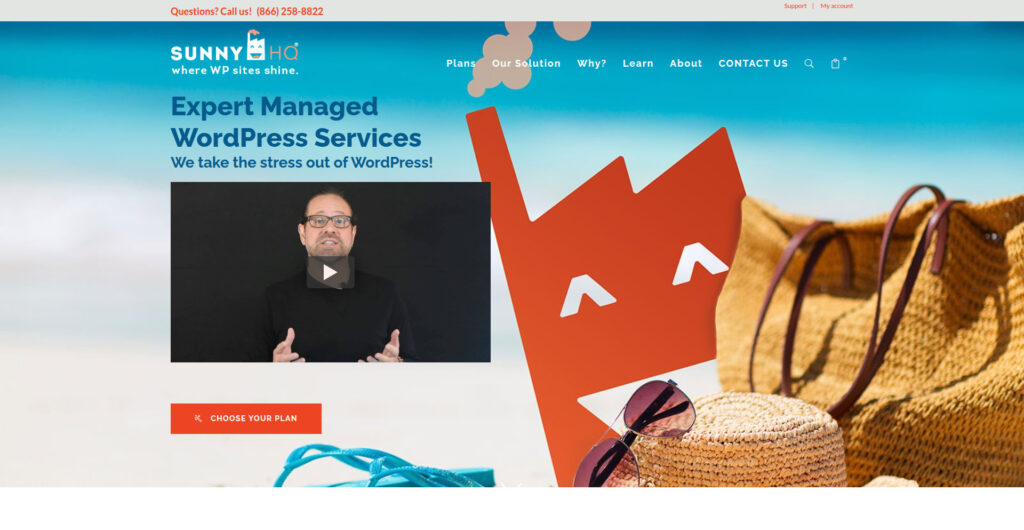
Sunny HQ redefines what “managed” means in the WordPress world. While competitors automate server management, Sunny HQ offers a fully managed, human-centered hosting service. Every site runs on enterprise-grade WordKeeper infrastructure – optimized specifically for WordPress – but it’s the concierge team that makes the real difference.
Instead of simply providing hosting tools, Sunny HQ’s team handles updates, backups, malware removal, plugin conflicts, and even performance tuning – all done for you. For business owners and marketing teams, this translates to zero time lost managing the technical side of WordPress.
Key Features
- Hands-on WordPress management by expert technicians
- Continuous performance monitoring and optimization
- Daily backups with point-in-time recovery
- Enterprise-grade security, firewall management, and active malware prevention
- Proactive troubleshooting and plugin management
- Custom-tailored hosting solutions for agencies and eCommerce sites
- 24/7 concierge support with a two-hour average resolution time
This approach bridges a major gap in the market: most hosts handle infrastructure, not the website itself. Sunny HQ takes ownership of both. It’s a solution built for businesses that depend on their websites for sales, lead generation, or brand credibility – where downtime, lag, or a plugin issue isn’t just an inconvenience but a business risk.
The result is a premium platform that replaces the DIY model with expert partnership. Sunny HQ’s concierge care means every aspect of your WordPress environment – from caching to CDN optimization – is continually managed by real people who know your site. That’s why it resonates so strongly with agencies and eCommerce clients that need consistency and accountability.
Pros
- Truly hands-free WordPress management
- Human-centered support with proactive oversight
- Enterprise-level speed, uptime, and security
- Custom plans for agencies and complex WordPress ecosystems
Cons
- Premium pricing compared to DIY hosts
- Less suited for hobby sites or experimental projects
Ultimately, Sunny HQ is not competing with budget hosts – it’s serving a different audience entirely. You’re free to try their service for 60 days and compare it to your current host – if you’re not happy, they’ll move your site back for free.
For professionals and organizations where performance, security, and peace of mind are non-negotiable, Sunny HQ provides a managed hosting experience that’s as reliable as it is personal.
Best For
Agencies, eCommerce teams, and business owners who prefer expert-led WordPress management over automation. Sunny HQ handles the technical work so you can focus entirely on growth and strategy.
5. Key Differences
| Feature | Bluehost | Hostinger | Sunny HQ |
|---|---|---|---|
| Type of Hosting | Optimized WordPress | Managed WordPress (semi-managed) | Fully Managed Concierge Hosting |
| Support Level | Basic 24/7 Support | Technical Live Chat | Dedicated Human Support & Proactive Monitoring |
| Performance Tools | Built-in caching, CDN | LiteSpeed caching, hPanel tools | Advanced caching, uptime monitoring, performance tuning |
| Backups & Updates | Automatic backups, limited retention | Daily or weekly backups | Managed backups, plugin & core updates handled by Sunny HQ |
| Security | Basic SSL and firewall | Malware scanner & SSL | Comprehensive malware prevention, intrusion monitoring, & active hardening |
| Target Audience | New site owners | Freelancers & SMBs | Agencies & business teams |
6. Who Each Platform Is Best Suited For

Each hosting provider targets a different type of WordPress user. Understanding where you fall on that spectrum – from DIY site owner to growing business to agency – will make your decision far easier.
Bluehost: The Entry-Level Launchpad
Bluehost is best suited for beginners who want a simple, guided way to get a website online. Its setup wizard, one-click installs, and pre-configured tools make it ideal for users who don’t have technical experience. Bloggers, small personal sites, and early-stage entrepreneurs will find Bluehost sufficient for low to moderate traffic environments.
However, once your site begins to demand more speed, tighter security, or specialized maintenance, you’ll quickly outgrow Bluehost’s environment. It’s a great place to start – but not necessarily to scale.
Hostinger: The Budget-Friendly Optimizer
Hostinger caters to small businesses, freelancers, and startups who care about performance but need to stay within a lean budget. Its infrastructure delivers excellent value for money, and features like LiteSpeed caching and daily backups make it more technically advanced than many similarly priced competitors.
Yet, despite its “managed” label, Hostinger doesn’t actually manage your website – it just automates much of the server configuration. The burden of plugin maintenance, security hardening, and troubleshooting still rests on your shoulders.
Sunny HQ: The Professional’s Partner
Sunny HQ is purpose-built for those who treat their website as a business asset – not a side project. It’s ideal for agencies, eCommerce stores, marketing teams, and organizations that can’t afford downtime or performance issues. Every technical detail – from uptime monitoring to plugin conflicts – is proactively handled by Sunny HQ’s expert team.
Unlike Bluehost or Hostinger, Sunny HQ isn’t about self-service hosting; it’s about hands-off hosting with expert care. If you’re running a business where website reliability impacts revenue or reputation, Sunny HQ’s concierge model ensures your site operates smoothly, securely, and fast – all without lifting a finger.
Quick Comparison Summary
| Category | Bluehost | Hostinger | Sunny HQ |
|---|---|---|---|
| Ease of Use | Excellent for beginners | Simple with custom hPanel | Handled entirely by experts |
| Performance Optimization | Basic caching | Advanced LiteSpeed integration | Custom caching + monitoring |
| Security Management | Basic SSL & firewall | Malware scan & SSL | Active threat prevention & auditing |
| Support Quality | General support | Chat-based support | Direct expert concierge |
| Scalability | Limited for high-traffic sites | Good for SMBs | Enterprise-grade |
| Ideal For | Bloggers & new site owners | Freelancers & small businesses | Agencies & growth-focused teams |
Final Thoughts
Choosing between Bluehost, Hostinger, and Sunny HQ ultimately depends on your stage of growth and how much involvement you want in your website’s upkeep. Bluehost is great for getting started. Hostinger bridges affordability with speed for small businesses. Sunny HQ steps in when your website becomes mission-critical – and you need a true partner to keep it running at peak performance.
In short: Bluehost simplifies setup, Hostinger optimizes value, and Sunny HQ elevates WordPress management into a fully cared-for experience.
What to Do Next
If you’re ready to spend less time troubleshooting and more time growing your business, explore Sunny HQ’s WordPress Maintenance and Support Plans. You can also try our free 5-Minute WordPress Speed Audit to check your site’s performance and see how managed optimization can make a measurable difference.
FAQ: Choosing the Right Managed WordPress Hosting
1. What’s the difference between managed and fully managed WordPress hosting?
Managed hosting automates updates and basic performance tuning, but fully managed (like Sunny HQ) means your provider handles every technical detail – maintenance, troubleshooting, and performance optimization – so you don’t have to.
2. Does Hostinger or Bluehost include full website management?
No. While both include automatic updates and backups, you’re still responsible for plugin maintenance, malware removal, and performance issues. They’re optimized environments, not hands-on management services.
3. What makes Sunny HQ different from traditional hosting providers?
Sunny HQ combines enterprise-grade hosting with proactive, human-led site management. It’s a concierge model – not just hosting space, but a full WordPress support team dedicated to keeping your site fast, secure, and reliable.
4. Is Sunny HQ suitable for agencies managing multiple client sites?
Absolutely. Sunny HQ was built with agencies in mind. The platform handles hosting, updates, and site monitoring for all client websites, allowing agencies to focus on design, marketing, and strategy instead of technical upkeep.
5. Which platform offers the best balance of cost and performance?
Hostinger typically offers the best price-to-performance ratio for small sites. For mission-critical business websites, Sunny HQ provides the best long-term ROI through stability, expert oversight, and enterprise-level reliability.
{
“@context”: “https://schema.org”,
“@type”: “FAQPage”,
“mainEntity”: [
{
“@type”: “Question”,
“name”: “What’s the difference between managed and fully managed WordPress hosting?”,
“acceptedAnswer”: {
“@type”: “Answer”,
“text”: “Managed hosting automates updates and basic performance tuning, but fully managed (like Sunny HQ) means your provider handles every technical detail – maintenance, troubleshooting, and performance optimization – so you don’t have to.”
}
},
{
“@type”: “Question”,
“name”: “Does Hostinger or Bluehost include full website management?”,
“acceptedAnswer”: {
“@type”: “Answer”,
“text”: “No. While both include automatic updates and backups, you’re still responsible for plugin maintenance, malware removal, and performance issues. They’re optimized environments, not hands-on management services.”
}
},
{
“@type”: “Question”,
“name”: “What makes Sunny HQ different from traditional hosting providers?”,
“acceptedAnswer”: {
“@type”: “Answer”,
“text”: “Sunny HQ combines enterprise-grade hosting with proactive, human-led site management. It’s a concierge model – not just hosting space, but a full WordPress support team dedicated to keeping your site fast, secure, and reliable.”
}
},
{
“@type”: “Question”,
“name”: “Is Sunny HQ suitable for agencies managing multiple client sites?”,
“acceptedAnswer”: {
“@type”: “Answer”,
“text”: “Absolutely. Sunny HQ was built with agencies in mind. The platform handles hosting, updates, and site monitoring for all client websites, allowing agencies to focus on design, marketing, and strategy instead of technical upkeep.”
}
},
{
“@type”: “Question”,
“name”: “Which platform offers the best balance of cost and performance?”,
“acceptedAnswer”: {
“@type”: “Answer”,
“text”: “Hostinger typically offers the best price-to-performance ratio for small sites. For mission-critical business websites, Sunny HQ provides the best long-term ROI through stability, expert oversight, and enterprise-level reliability.”
}
}
]
}